
CRM and WhatsApp
Read lead history and prepare the next contact through authorized channels.
Connect your AI assistant to find information, prepare tasks, and take action in Omniaseo. You choose its access and stay in control of approvals.
Connect an MCP-compatible client to authorized modules and read, prepare, or act according to the organization policy.
Read lead history and prepare the next contact through authorized channels.
Read funnel stages and prepare segments, cadences, and messages for review before sending.
Create or update tasks, owners, and stages with project context.
Read workflows and trigger automations the connection is allowed to run.
Read authorized Prysmbot/Typebot settings and prepare replies or next steps.
Combine operational indicators and prepare analysis without exposing out-of-scope areas.
Each member can configure their own connection within the plan limit: Starter: 1 · Standard: 5 · Premier: 15.
The flow starts from a conscious configuration before any compatible client accesses a capability.
Modules, actions, and resources follow each connection's configuration.
Read authorized context without changing data.
Organize changes for a person to review.
Perform actions within limits and request confirmation when policy requires it.
Each connection combines modules, actions, and resources. When policy requires it, a person reviews before execution.
Codex or another compatible client sends a request through the configured connection.
Navigate the stages between an MCP client request and the history recorded in the workspace.
The Connect interface keeps connections, scopes, and state close to the organization granting access.
Explore Omniaseo Connect for developers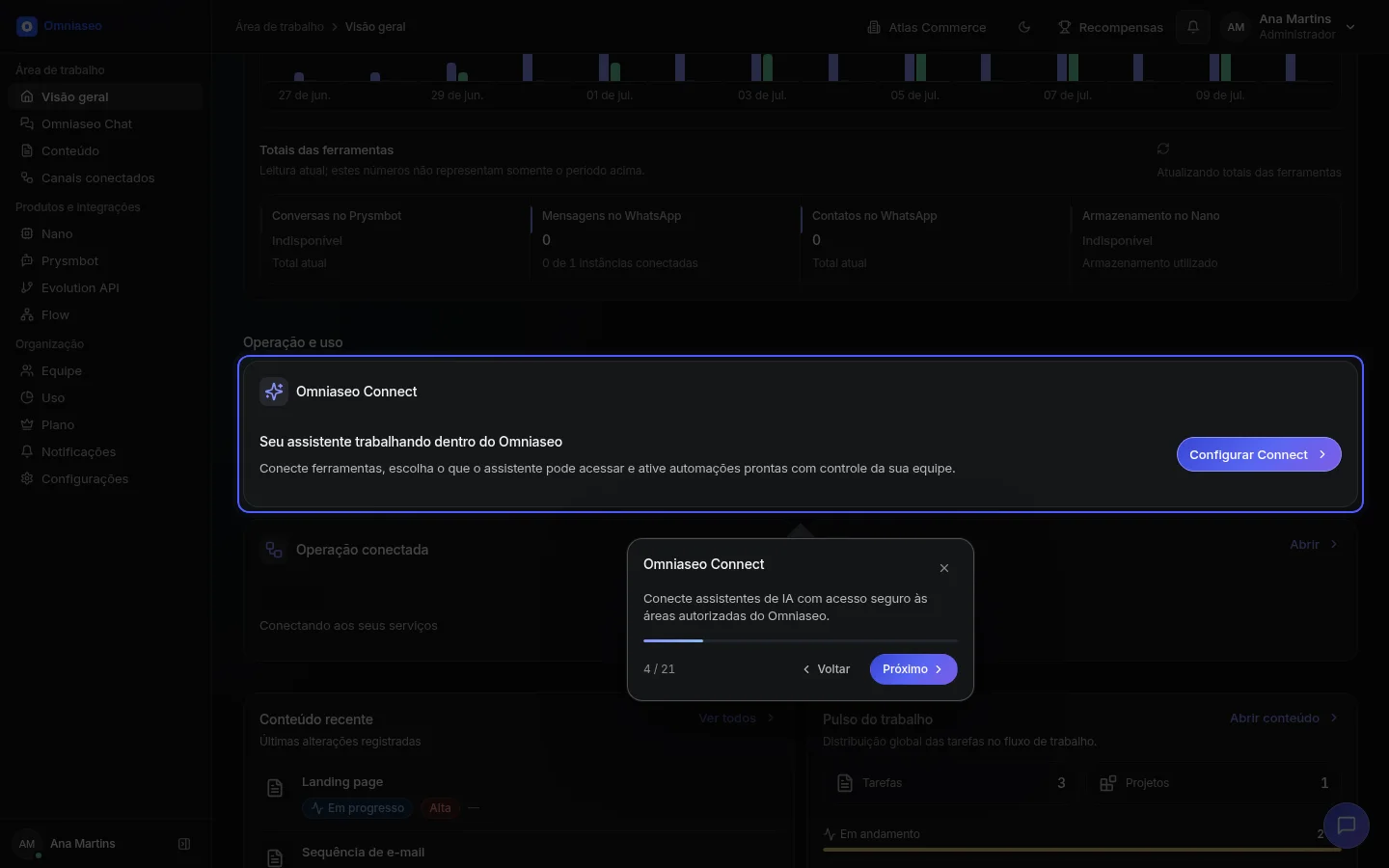
Omniaseo Connect publishes only the tools authorized and available for the organization, client, and selected resources.
Explore Omniaseo Connect for developersUse authenticated APIs, API keys, or personal tokens on surfaces that publish this contract.
Explore APIStart with one connection, define permissions, and follow its catalog, approvals, and history in your organization.